UTILITY MENU :
CHANGE PASSWORD:
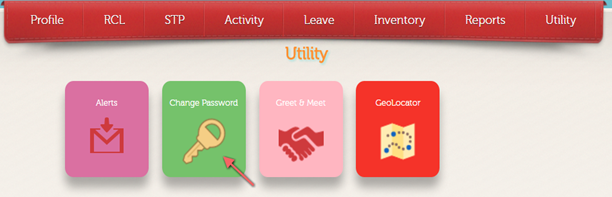
1. Employee can change
Password by clicking change password menu as shown below:
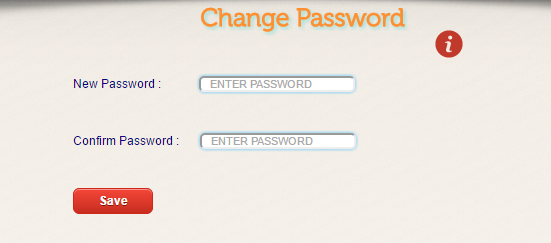
2. After clicking Change Password user is taken to
change password screen as shown below:
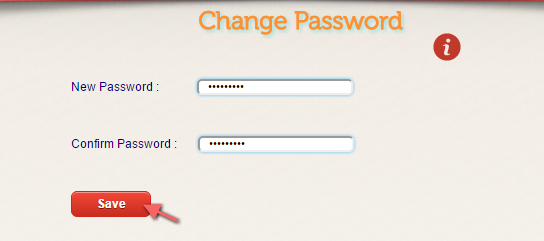
3. Enter new password , confirm password and click on  button.
4. User can check that password is changed or not by
logging out and login with changed username and password.